

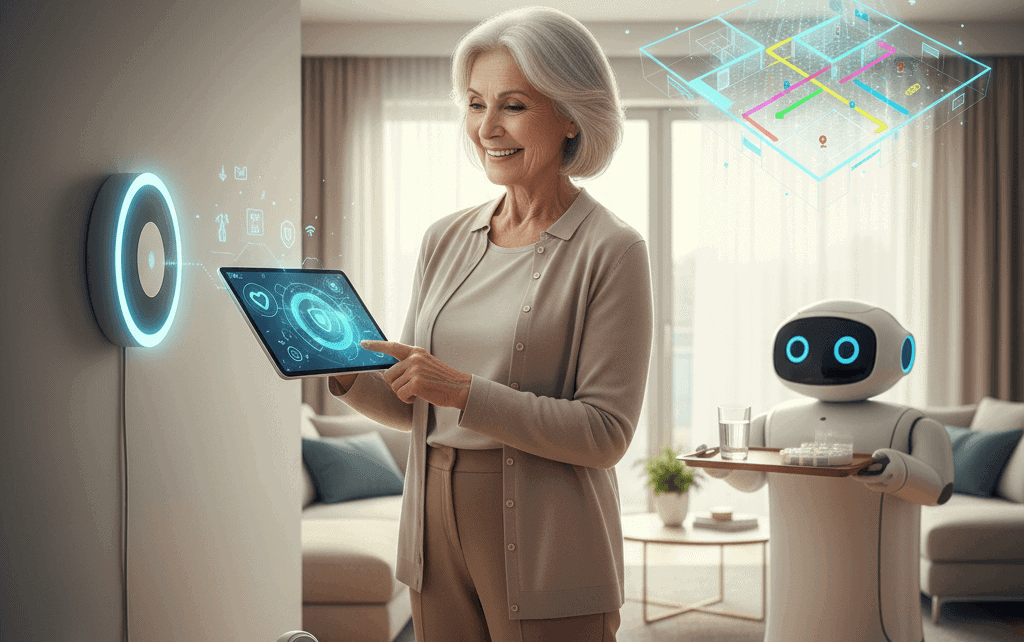
Keeping a loved one safe at home is a priority that blends practical choices with new technology. Many families want tools that reduce risk while keeping daily life familiar. This guide breaks down options, provides real world tips, and helps you choose solutions that match physical needs and household routines.
We will cover common hazards, categories of devices and systems, selection and setup tips, and privacy and legal factors to consider. Wherever possible, examples and simple checklists will help you move from research to action without getting overwhelmed.
Why senior home safety tech matters and what the data shows
Falls and medication mistakes are frequent causes of emergency visits for older adults. Recent public health figures show that about one in four adults aged 65 and older falls each year leading to tens of billions in annual medical costs. Addressing those risks at home can lower chances of injury and reduce the need for hospital care.
Adopting home safety solutions can also support independence and reduce the workload on caregivers. When technology handles routine monitoring or sends alerts after a fall, family members can focus on social support and long term planning. The goal is to create a practical network that detects trouble early and connects people to help fast.
Common hazards at home and how technology helps
Understanding where accidents happen most often will guide your choices. Bathrooms, stairs, kitchens, and poorly lit hallways show up frequently in incident reports. Medication errors occur when pill schedules become complex. Mobility changes increase fall risk during transfers and while navigating uneven thresholds.
- Lighting and trip risks Explore motion triggered lighting or connected bulbs that come on with low light in hallways and bathrooms
- Bathrooms Install grab bars and use non slip mats together with floor sensors that alert a caregiver if a long period of inactivity is detected
- Kitchens Use stove shutoff devices and smoke detectors with louder or multi modal alerts for hearing or vision changes
- Medications Use dispensers that lock and dispense at scheduled times with alerts to family or a care manager
Key categories of senior home safety tech to consider
There is a wide range of solutions built for safety needs. Below are categories and practical points for each one including typical benefits and limitations.
- Fall detection wearables These use motion sensors to detect a rapid change in acceleration consistent with a fall and can call for help without dialing a phone
- In home sensors Door, motion, and pressure sensors create a picture of daily activity and can flag unusual patterns
- Medication management electronic dispensers and reminder systems reduce missed or double doses
- Remote health monitoring Blood pressure, heart rate, and glucose monitors that upload readings help clinicians track trends between visits
- Emergency response systems Traditional pendants and wall units still work well for immediate alerts and often include two way communication
- Connected lighting and environmental controls Lighting, thermostats, and smart plugs that respond to schedules or triggers can reduce manual tasks and hazards
- Home video systems When used thoughtfully these provide visibility for caregivers but raise privacy questions that are discussed later
If you want a curated list of devices and product types that fit different budgets and needs see a resource such as home safety technology for seniors for examples and buying guidance.
How to choose the right system for a senior’s needs
Matching tools to individual needs reduces unused equipment and frustration. Start with a simple assessment of daily routines and limitations. A small checklist will guide decisions and make conversations with vendors more productive.
Assess mobility and cognitive needs
Note whether the person has issues with balance, vision, hearing, or memory. For example, a senior with low vision will benefit more from strong automated lighting and high contrast markers than a device that relies solely on text reminders. Someone with memory challenges may need a dispenser that locks until the prescribed time.
Consider technology comfort and support network
Think about who will manage setup and maintenance. Some systems require a one time install and no ongoing action, while others need frequent updates or data review. Choose solutions that fit the technical comfort level of the person and the time available from family or paid caregivers.
Installation and maintenance tips that keep systems working
Any device is only as good as its setup and upkeep. A few practical practices will keep systems reliable and extend their useful life.
Simple installation checklist
- Place fall sensors at transfer points and in rooms where the person spends most time
- Test alert chains twice after setup and once a month after that
- Label charging stations and keep spare batteries for wearable devices
- Document passwords and recovery steps in a secure, shared location with a trusted person
Maintenance and testing routine
Schedule a quarterly review to check firmware updates, battery health, and any changes in behavior that might require new coverage. Regular testing includes dropping a device in a controlled way if recommended by the manufacturer and verifying that alerts reach the right contacts. Small habits like keeping sensors dust free and updating home Wi Fi credentials when needed lower the chance of false alarms and gaps.
Privacy, consent, and legal factors to weigh
Technology that monitors activity raises questions about dignity and control. Transparent conversations with the senior are important. Decide together which zones are private and which are monitored. Cameras in private spaces such as bedrooms and bathrooms are sensitive and often unnecessary if you use motion sensors or pressure pads in those areas.
Data security is another consideration. Review vendor privacy policies to see how long data is stored and who can access it. Ask about local storage options if cloud retention is a concern. Also check whether devices meet regional medical device regulations if they provide health metrics, because that affects liability and warranties.
Real life examples and caregiver tips
Practical examples often make choices clearer. Here are three short scenarios and the solutions that worked for families.
- Case one A woman living alone had several close calls on stairs. Motion activated lighting along stairways and a wearable fall detector reduced night time incidents and made her more willing to move around independently
- Case two A former nurse struggled with complex medication timing. An electronic pill dispenser with locked compartments and remote alerts to her daughter cut missed doses from three per week to zero within a month
- Case three A man with mild memory loss did not like being watched. His family used door sensors and activity logs rather than cameras which preserved privacy while still alerting them if he wandered at night
Caregiver tip Keep changes gradual Introduce one new system at a time and observe how it fits the daily routine. Too many changes at once can increase confusion and rejection of the tools.
Budgeting and long term planning
Prices vary from affordable single function devices to comprehensive platforms with subscription fees. Consider total cost over a year including subscription, batteries, and replacement parts. Low cost devices may solve a single problem but require more manual checking, while higher tier services often bundle monitoring and support which can reduce family time investment.
Plan for five year needs rather than only current ones. Mobility and cognition can change, so choose systems that are modular and transferable. A set of wireless sensors that can be reallocated around the home will offer better value than fixed hardware that only addresses one room.
Adopting new safety technology is a process of balancing needs, comfort, cost, and privacy. Start with the most critical risks then add layers of coverage as habits and confidence grow. Regular testing and clear communication within the family will keep systems effective and respectful of the person being supported.
In summary choose solutions that match the senior’s mobility and memory needs and the household support capacity. Test devices often and pick vendors with clear privacy policies and accessible customer support. If you are ready to review recommended product lists and specific vendor features visit the resource linked above and then schedule a short trial period with one or two devices before making a larger investment. Taking small steps now can reduce emergency events later and keep daily life familiar and dignified. If you need help building a plan that fits your situation reach out to a trusted clinician or a local aging services organization and start with one measurable goal for the next month such as improving night time lighting or setting up a medication reminder.


